Stripe powers card payments in PureSynq. The setup takes about 10 minutes — here is every screen you'll see, in order, so nothing surprises you.
In the app: Settings → Online Payments → Connect Stripe. Stripe opens in your browser. Use your business email — if you already have a Stripe account, the same email links them.
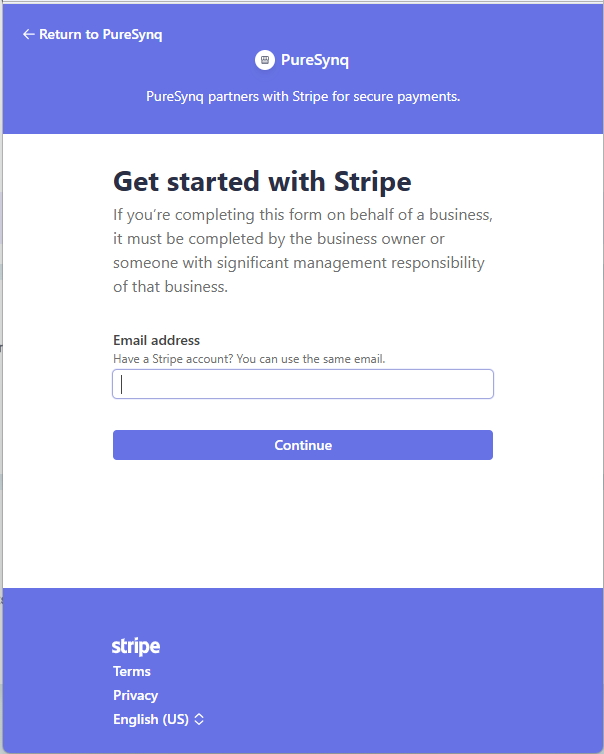
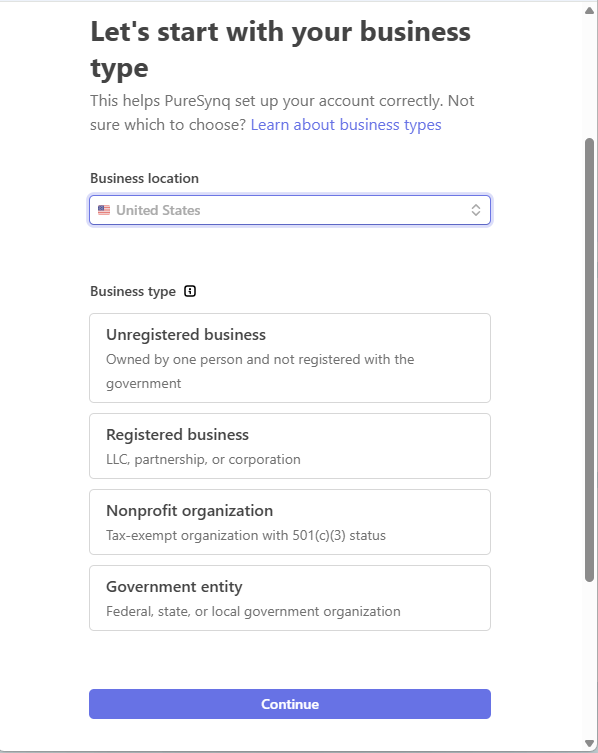
United States, then pick your type. Most pool companies are a Registered business (LLC or corporation). If you operate under your own name without an LLC, choose Unregistered.
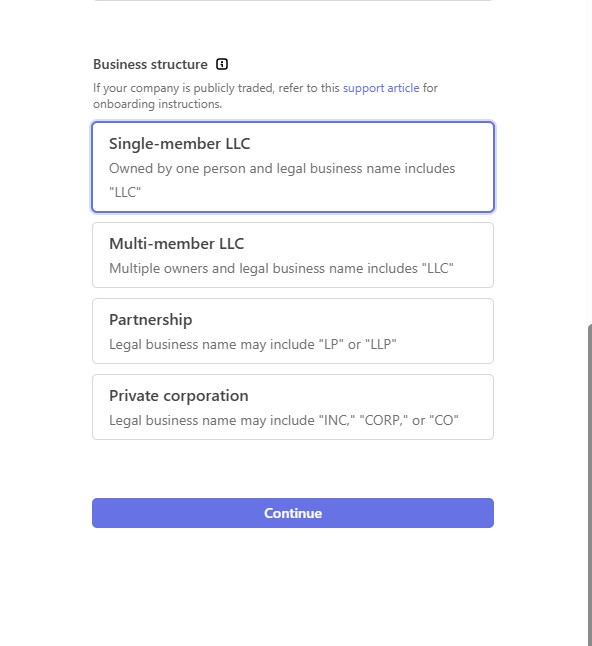
For a typical one-owner pool company: Single-member LLC. Pick what matches your IRS paperwork.
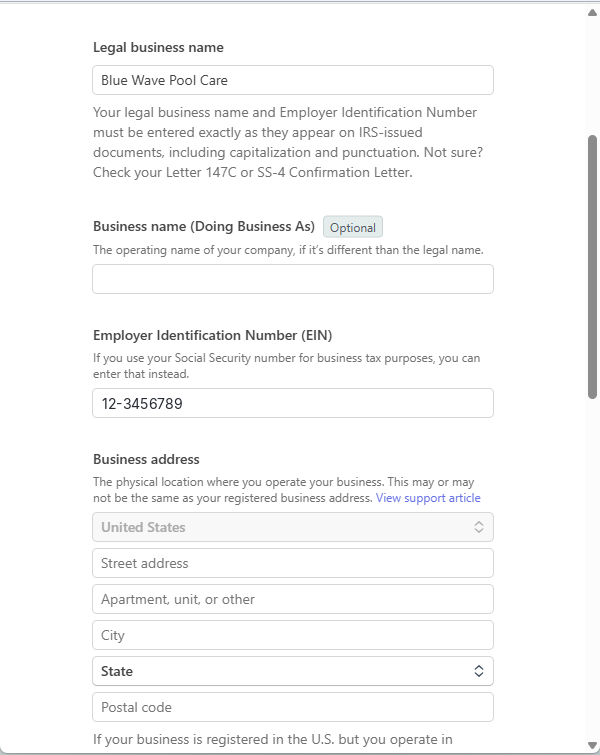
Type both exactly as they appear on your IRS letter (147C or SS-4) — capitalization and punctuation included. A mismatch here is the #1 cause of delayed verification.
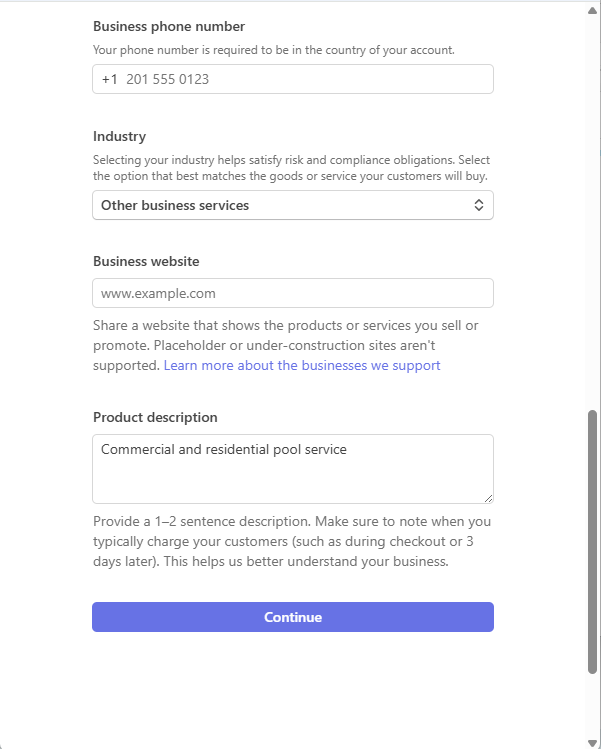
Industry: Other business services works fine for pool service. Website: your company site or social page. Description: one line like "Commercial and residential pool service."
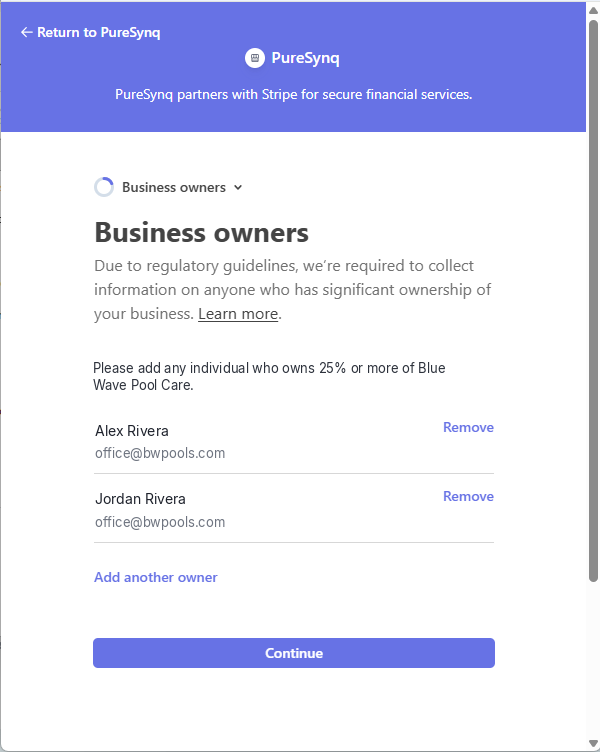
Federal rules require listing anyone who owns 25% or more of the company. Add each owner with their legal name — Stripe will ask for their SSN and date of birth to verify identity.
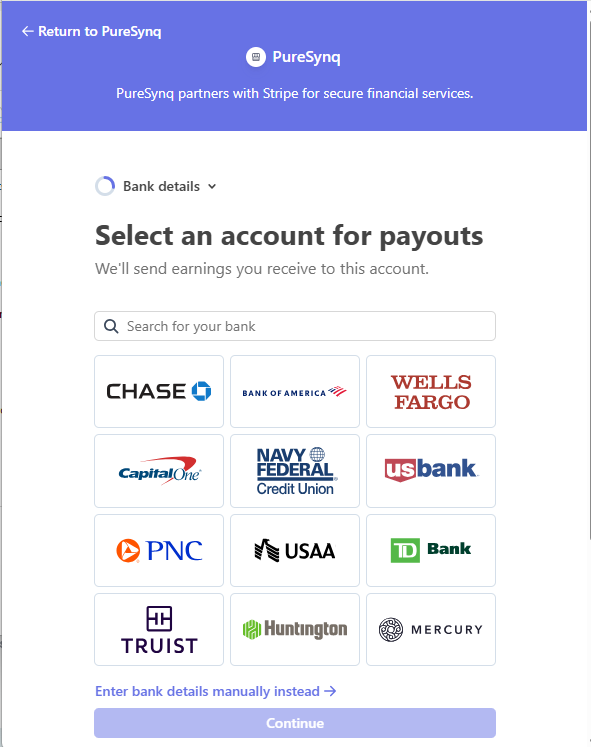
This is where your money lands. Search your bank to connect it instantly, or use "Enter bank details manually" with routing and account numbers (manual takes 1–2 days to verify with micro-deposits).
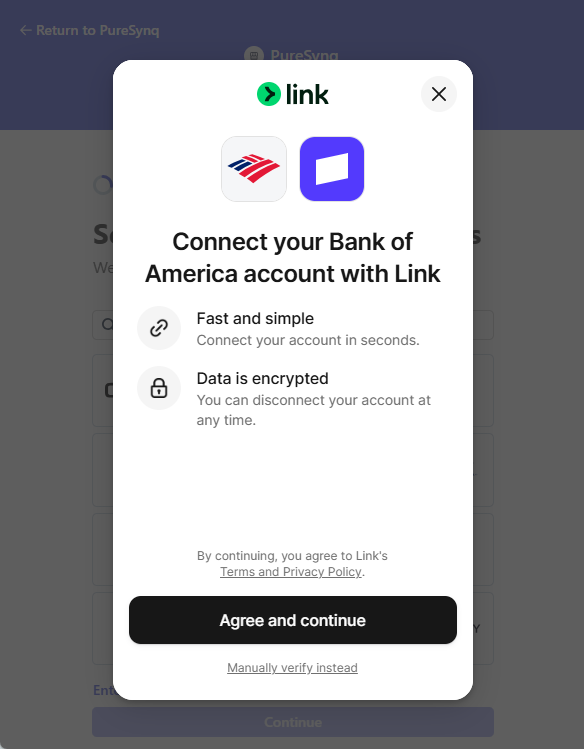
If you chose your bank from the list, Stripe's Link connects it in seconds — you log into your bank and approve. Encrypted end to end; you can disconnect anytime.
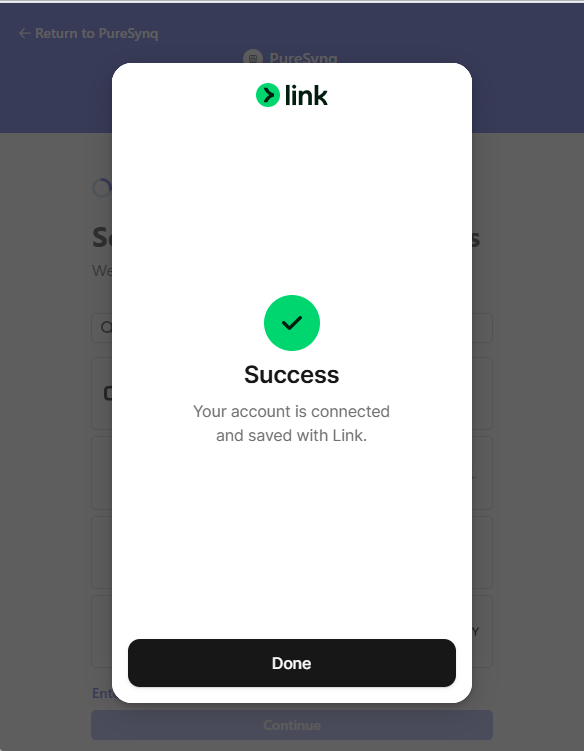
You'll see this Success popup. It only confirms the bank link, not the whole setup. Keep going through the remaining Stripe screens.
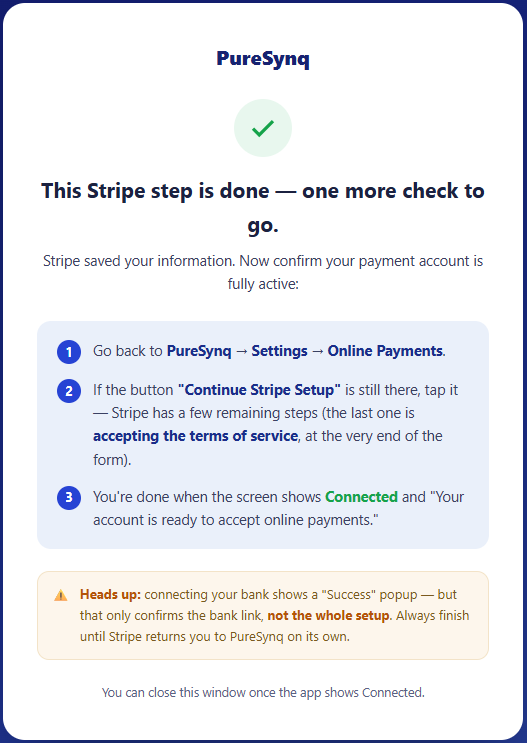
At this point PureSynq shows you this reminder. If the app still shows a "Continue Stripe Setup" button, tap it — Stripe has a few remaining steps, ending with accepting the terms of service.
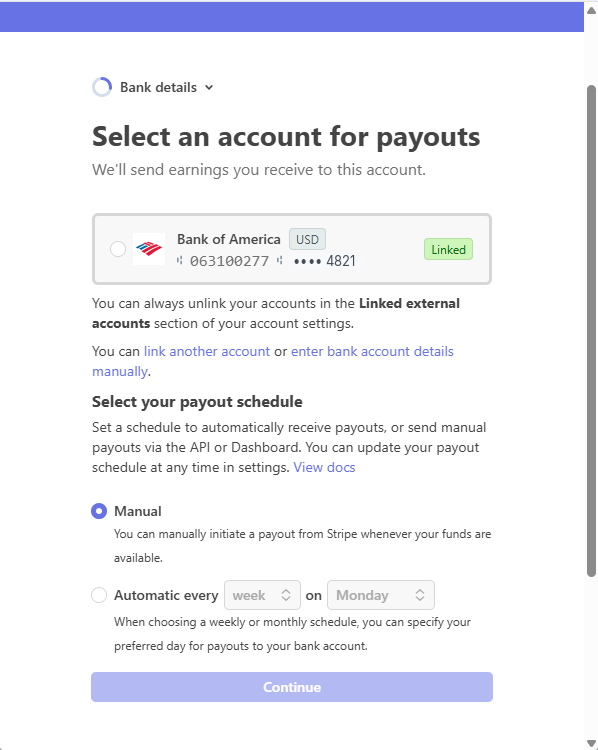
Your linked account appears here. Choose Automatic every week for hands-off payouts, or Manual if you prefer to trigger them yourself. You can change this anytime in Stripe.
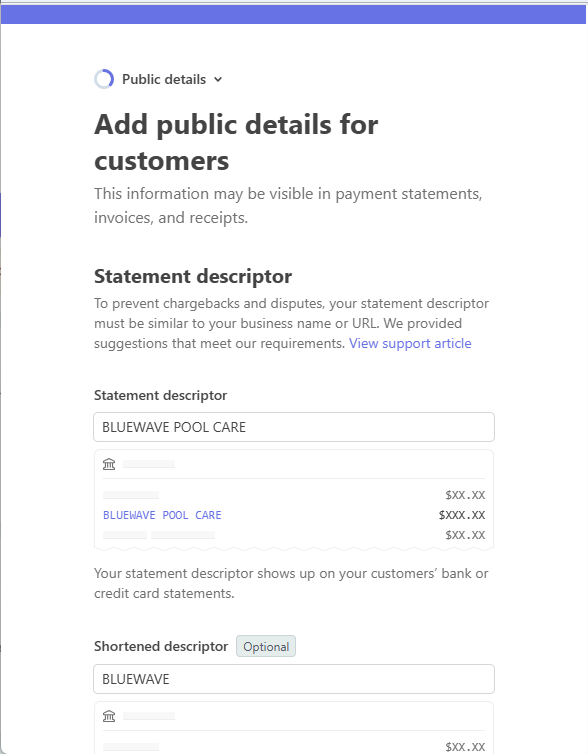
This is what your customers see on their card statement. Use your company name — a clear descriptor prevents "what is this charge?" disputes.
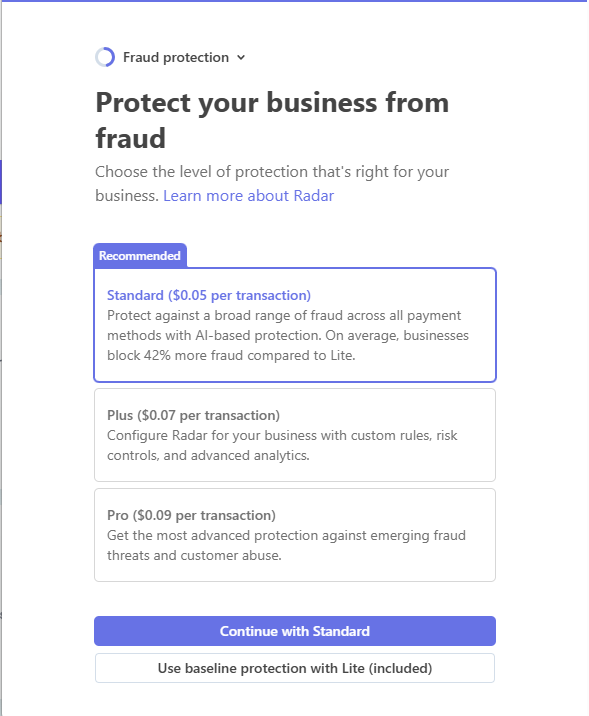
Stripe Radar. Standard ($0.05 per transaction) is the recommended default and what most pool companies should pick. Lite is included free if you prefer.
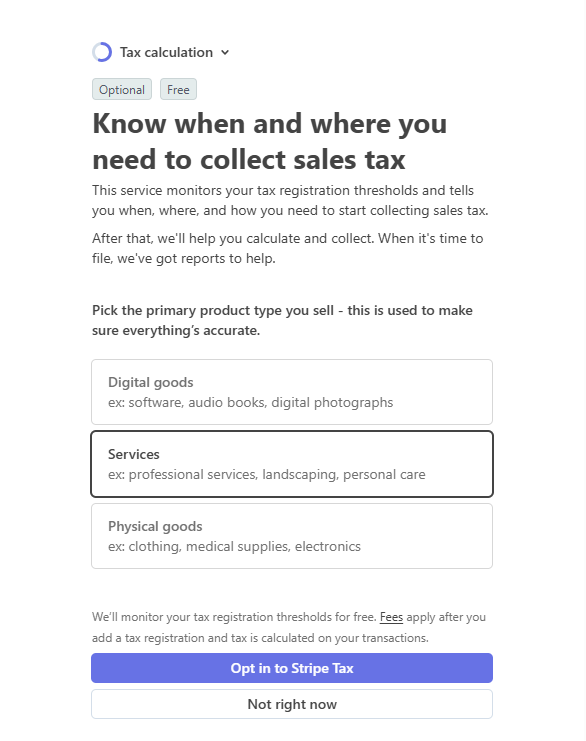
Monitors where you may owe sales tax. If you want it, pick Services as your product type — or choose "Not right now" and skip it. Pool service tax rules vary by state; ask your accountant.
Stripe returns you to PureSynq on its own. Open Settings → Online Payments: you're done when the screen shows Connected and "Your account is ready to accept online payments."
PureSynq walks your Stripe setup for you — and every fee is visible before you connect.
Get early access